Auto Connect malfunction - Android 9

Support requests about VPN Client Pro
Post Reply
HwSystems
Posts: 4
Joined: Sat Jul 11, 2026 11:25 pm

Auto Connect malfunction - Android 9

Post by HwSystems »

Hello,
The auto connect seems to trigger a connection when I go outside my access point range. A SSID is detected as "<unknown ssid>", which is not in my list, therefore cause an unexceptected connection. I cannot manually enter the string. The list is fixed. My phone do not connect to masked SSID. I don't know why it display "<unknown ssid>".

See the screenshot.

Android 9 - Samsung A50
App Version: google-api27-release-1.02.45(30010245)

Have a nice day!
Screenshot_20260711-190137_VPN Client Pro.jpg
Screenshot_20260711-190137_VPN Client Pro.jpg (622.46 KiB) Viewed 45 times
Screenshot_20260711-190019_VPN Client Pro.jpg
Screenshot_20260711-190019_VPN Client Pro.jpg (272.44 KiB) Viewed 45 times
admin
Site Admin
Posts: 766
Joined: Fri Feb 15, 2019 4:04 pm
Contact:

Re: Auto Connect malfunction - Android 9

Post by admin »

Hello,

This happens when the app isn't allowed to read the WiFi SSID.
To resolve this issue, you need to enable the Location permission and always keep the device's Location service turned on.
When one of these conditions isn't met, Android won't allow the app to determine the WiFi SSID.
HwSystems
Posts: 4
Joined: Sat Jul 11, 2026 11:25 pm

Re: Auto Connect malfunction - Android 9

Post by HwSystems »

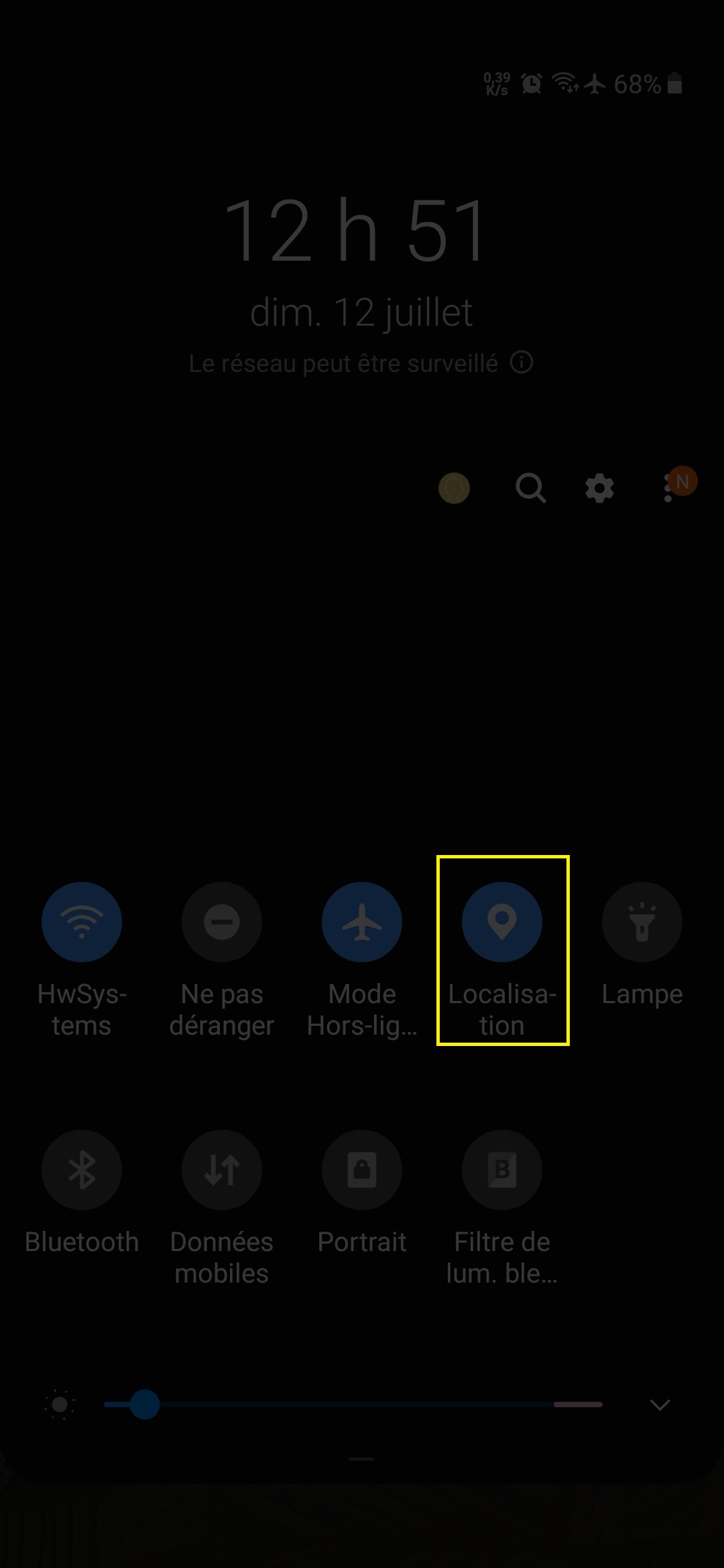
Hello, please check the log carefully.
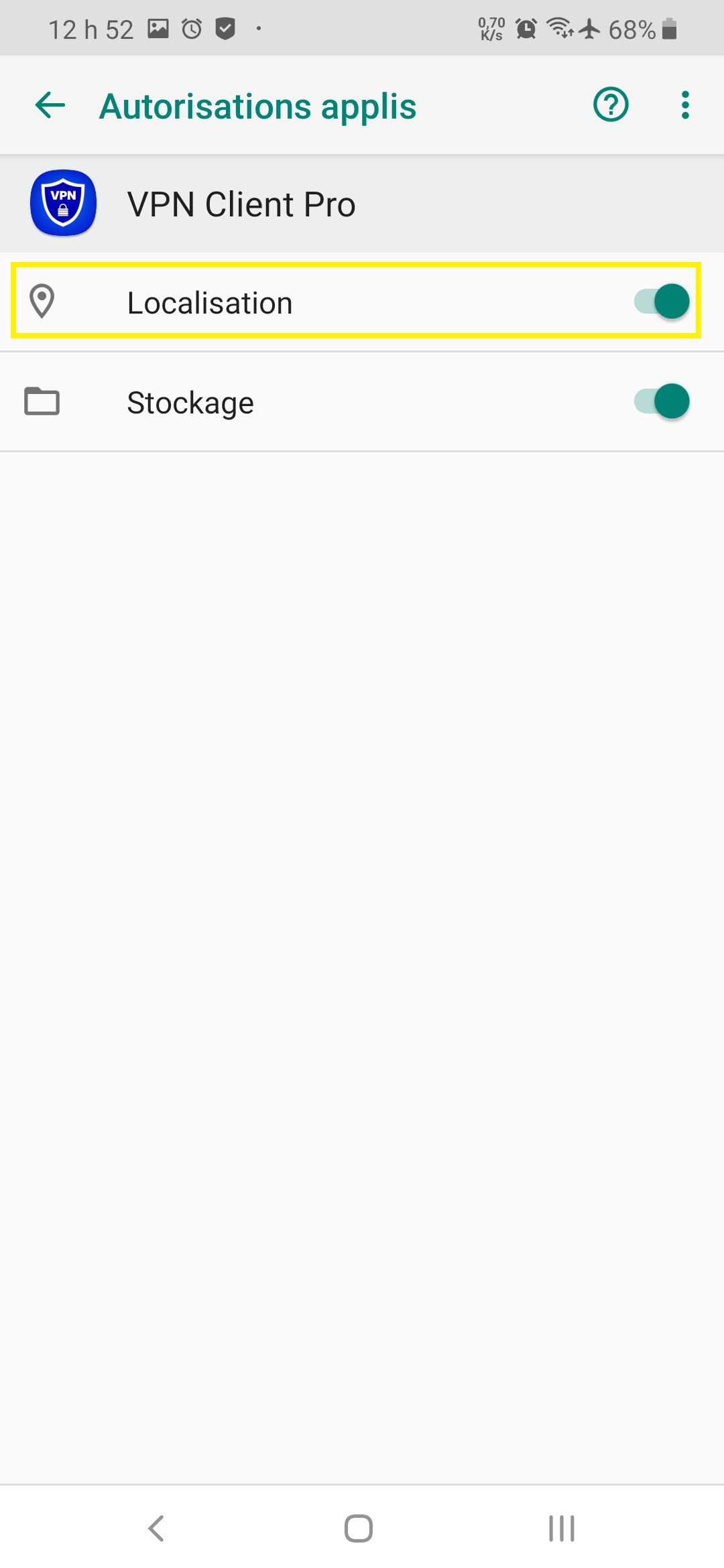
The app have the permission enabled and location service is enabled. It detect the SSIDs correctly when I am in range. This behavior is reproducible every time I go outside: it triggers a reconnect from unknown SSID when I am out of range and wait until I am in range. I go back inside, it detect my excluded SSID name and trigger a reconnect (This should not happens, the SSID is prohibited). It would be appreciated if you could make the logic about auto connect more functional IRL about mobile data and wifi, like enabling the VPN only when the mobile data is the default route used or at minimum if there is no wifi connection which are prohibited from connecting. The behavior I want is rather simple, connect to the VPN if any connectivity is not my local wifis. But the app logic do not allow me to do it. If I want to handle the mobile data, it trigger a connect every time I am in a part of my house where mobility goes down and up. If I want the wifi, it trigger when I go out of range in my yard.

These two behavior, the unknown ssid, and the mobile data autoconnect logic make the premium feature unusable. The behavior I want for autoconnect seems rather common. Maybe I do not understand how to configure it. If you see that my configuration on the screenshot is not what I should be to have the VPN connect every time I have connectivity outside my local wifis and disconnect everytime I am in my local wifi, please let me know what I am doing wrong.

Let me know if you need my help for anything. Android 9 might be behaving different then modern ones regarding wifi.
Let me know if you need a log of the mobile data triggering a connection but from memory there is nothing interesting in it, it just connect without checking if there is a wifi connection active that is excluded.

Have a nice day!

Attached is the screenshot about the location
Screenshot_20260712-125234_Package installer.jpg
Screenshot_20260712-125234_Package installer.jpg (120.36 KiB) Viewed 37 times
Screenshot_20260712-125145_One UI Home.jpg
Screenshot_20260712-125145_One UI Home.jpg (109.02 KiB) Viewed 37 times
admin
Site Admin
Posts: 766
Joined: Fri Feb 15, 2019 4:04 pm
Contact:

Re: Auto Connect malfunction - Android 9

Post by admin »

The configuration is correct. I ran some tests on a device with Android 9 and everything works fine.
Unfortunately, it seems the problem is specific to your device, likely due to some customization applied to the Android ROM by the manufacturer.
From what I see in the log, it seems that incorrect events are sent when the Wi-Fi connection is lost, which causes the VPN to start.

Are you using the official ROM from the manufacturer?
Have you checked to see if there are any manufacturer updates to install?
HwSystems
Posts: 4
Joined: Sat Jul 11, 2026 11:25 pm

Re: Auto Connect malfunction - Android 9

Post by HwSystems »

This is the ROM I use:
[Samsung][OS][OneUI_Pie_9.0][28-Oct-2019][A50][A505_F_FN_G][v5]LightROM.zip

I can send you this ROM if you need it.
I cannot install update due to the unlocked boot loader.

I want you to be honest, if this is something you do not want to solve, issue a refund for both my licenses and I will turn the page.
GPA.3304-2082-2583-21007
GPA.3366-1433-9253-49824

If you really want to make it works like I said "Connect to VPN if connectivity is not my local wifis", you will have my full cooperation until it works. I am open to test any beta and diagnostic apps and I will not abandon mid test. This means: The Mobile data should not trigger a connection if I am connected to my local wifis and it must trigger one if I quit my local wifi while on mobile data. I ordered the license to use the Auto Connect.

I see many ways to solve this right now,
-add a second check when the connectivity is UP or exclude the unknown ssid if authorized/prohibited SSID all have names.
-For the mobility, when a connect is triggered, check for active wifi. If wifi UP, ignore the connect. When wifi goes down, check for mobile connectivity and trigger a connect.

Have a nice day!
admin
Site Admin
Posts: 766
Joined: Fri Feb 15, 2019 4:04 pm
Contact:

Re: Auto Connect malfunction - Android 9

Post by admin »

The app's logic is correct; I use a similar configuration myself and have never had any problems.
The problems should all be related to incorrect connectivity events being received by the app.
Before I can give you an honest answer about a possible solution, I need to better understand what's happening and if/how it can be fixed.
To do this, I'm thinking of creating a small app that collects the details of the connectivity events generated by your Android version.
The data will be collected on your device and you'll be responsible for sending it to me. This way, you can check for any sensitive information.
With this data, I should be able to give you a definitive answer.
But you'll need to be patient, because I'm quite busy these days and I don't know how much time I can dedicate to you.
Let me know if I can proceed with the data collection app or if you'd prefer a refund.
HwSystems
Posts: 4
Joined: Sat Jul 11, 2026 11:25 pm

Re: Auto Connect malfunction - Android 9

Post by HwSystems »

Alright, given you have the same setup as mine on your own phone, wait before developing custom logging app. I will check if I can identify what is causing this misbehavior with a root logcat tool. I will send you my finding this week. If I find nothing, maybe the logcat logs will be more helpful to you who develop this app and know what to look at.

Thanks for your support!

Have a nice day
Post Reply